Recording sessions
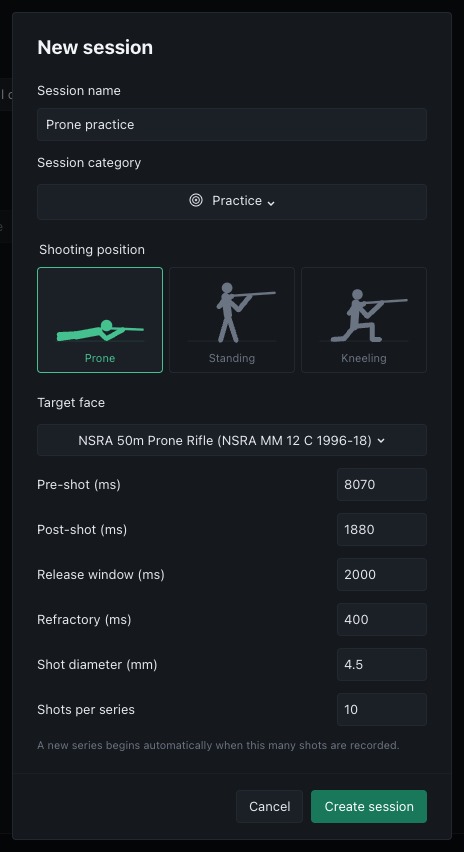
Open Sessions from the navigation rail and select New session. Enter a name and select Practice, Sighter or Match. Choose the target face, shooting position, shot diameter, pre-shot and post-shot windows, release window, refractory interval and shots per series. Create session prepares these settings and returns to the target page. Cancel leaves the current session unchanged.
The session controls and current session status sit at the bottom of the right sidebar. Select Start session to begin recording and Stop session to finish. From an idle target page, Start session uses the prepared settings and name, or the defaults if no session has been prepared. When reviewing a saved session, this control shows New session and opens the creation dialogue.
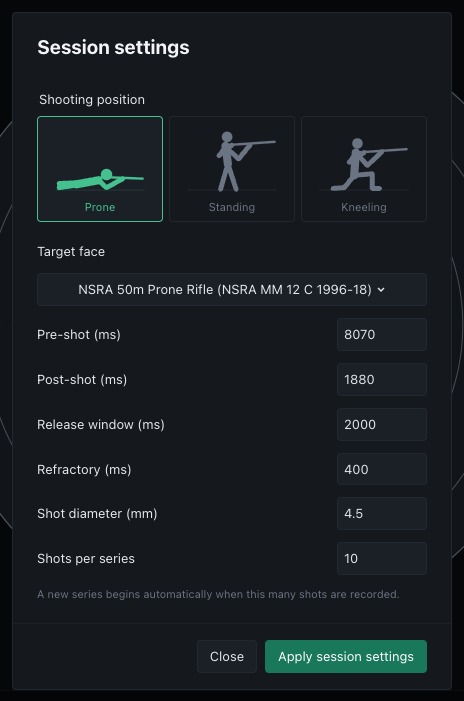
Session settings opens from the button at the top left of the target page, next to the shots pane toggle. The settings can be changed only while idle with no shots. Select Apply session settings to use the edited values. Create a new session to change settings after recording or while reviewing. The settings are stored with the session and restored when it is opened.
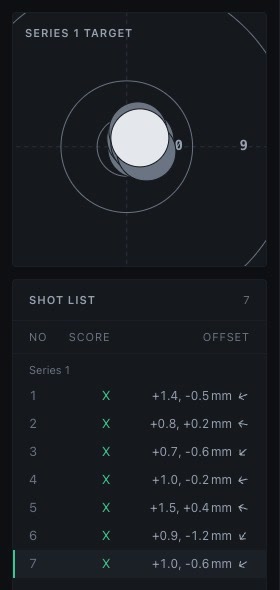
Shots are grouped into series of the configured size. New sessions default to 10 shots per series. The next series starts automatically as shots are recorded. Selecting a shot also selects its series in the compact overview.
Shots appear in the shot list with their score and offset. Selecting a shot loads its saved trace window for review. Use replay to inspect movement before and after the shot.
Sessions are stored in a local SQLite database. Open Sessions from the navigation rail to find previous sessions, rename them, change categories, delete them or export their data. See session browser. Stop recording before deleting the active session. Synthetic desktop sessions use a separate temporary data directory.
Select the muted Print shot sheet icon beside the target controls on the main page to print the results. Printing includes all shots, scores and offsets.
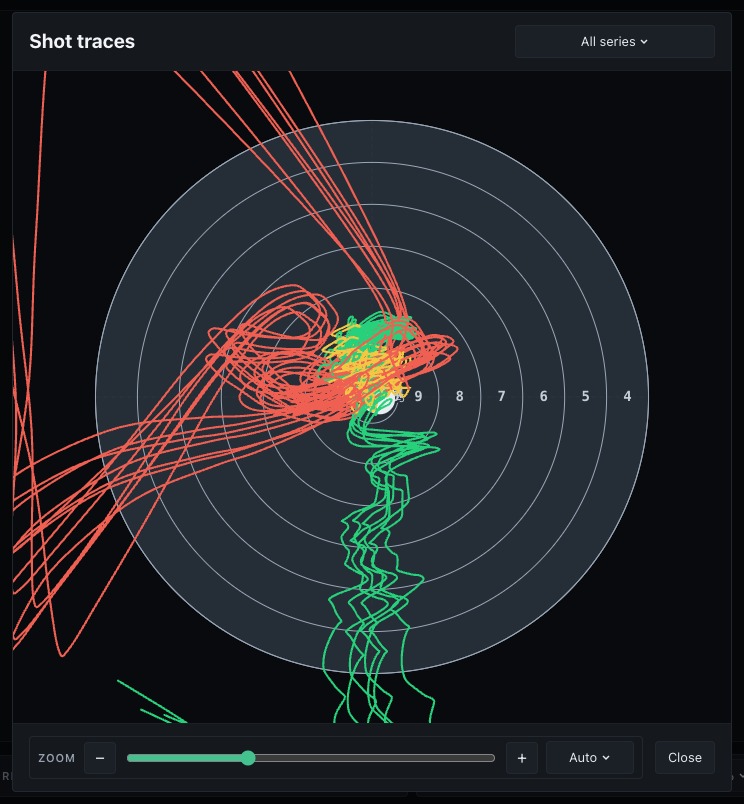
Select Overlay shot traces, beside the print icon, to draw the trace window of every shot on one target. The drop-down chooses all series or a single series.